Background Replacement
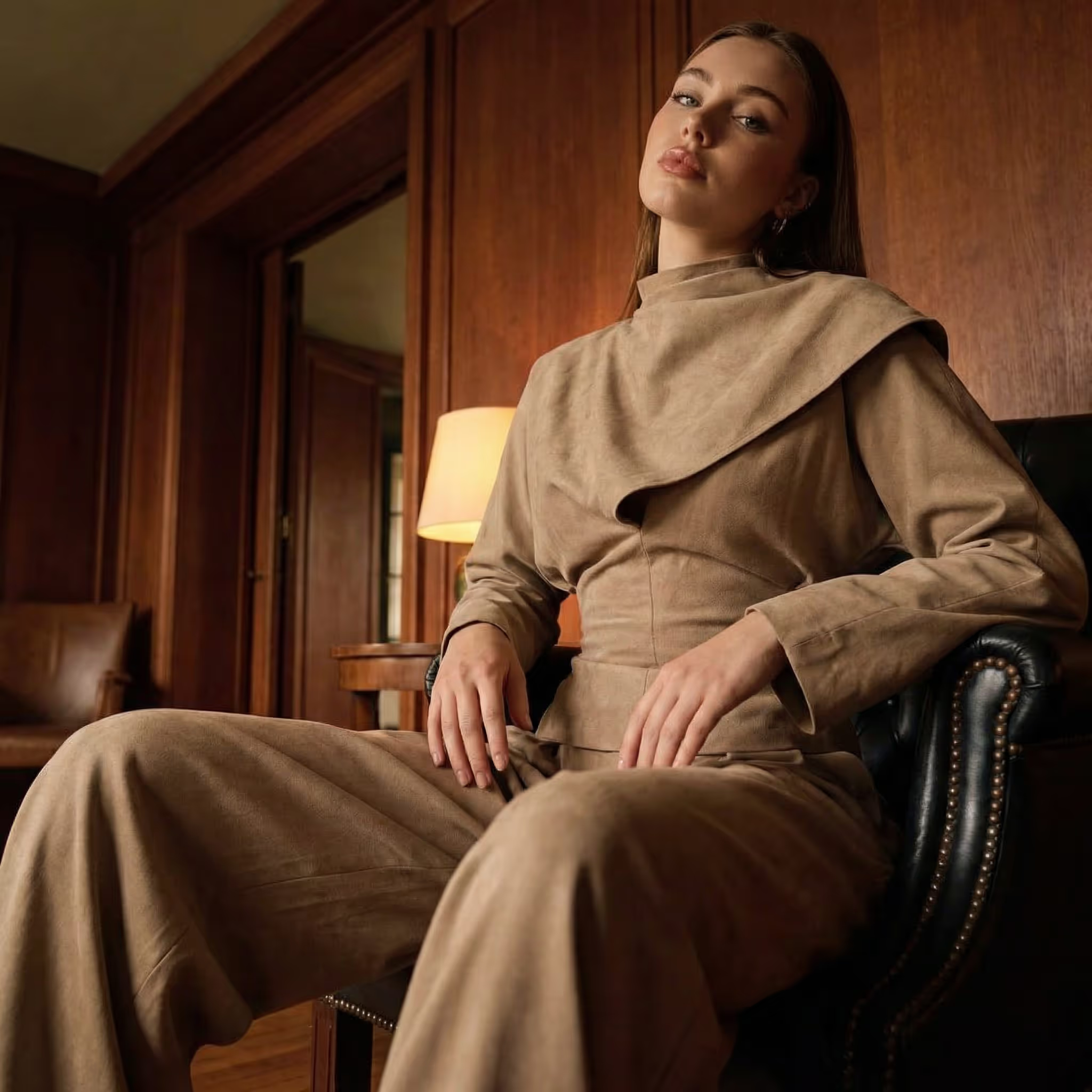
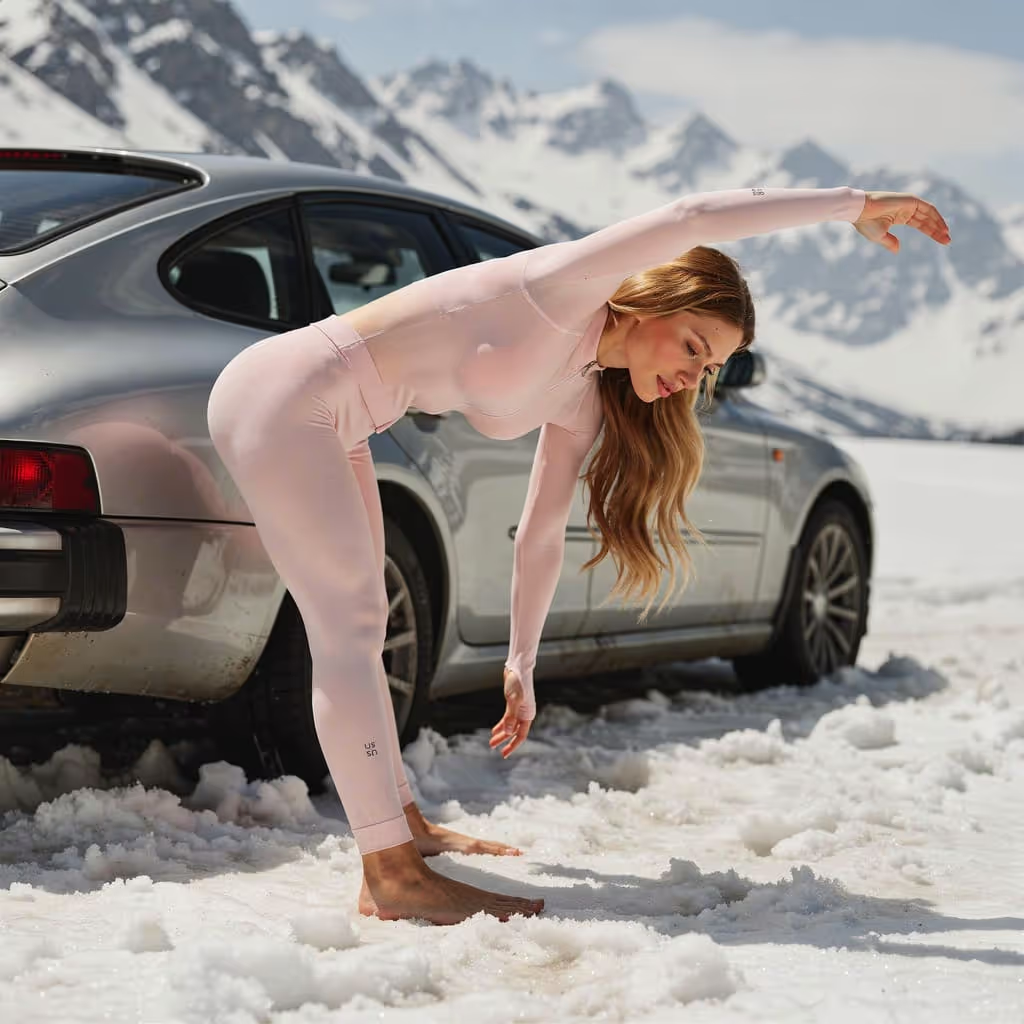
Swap any backdrop in one click — natural light, studio, lifestyle. Subject stays pixel-perfect.
GeneralActive
Templates
Background ReplacementProduct to On-ModelCloseup Texture GeneratorJewellery Image GenerationGhost Mannequin CreatorKids Image GenerationFace/Model GeneratorLingerie & Swimwear GenerationWhite BackgroundAngle GenerationMulti Product / Multi ModelModel Face SwapperStyle/Pose DuplicatorModel Face GenerationView / Angle GeneratorQuality EnhancerBackground GenerationStyle/Pose Duplicator — v2Closeup Textile GenerationKids Image GeneratorGhost Mannequin GenerationOn-Model to Flat-LaySide GenerationModel RemoverNon-Model Generation


holala Templates
Twelve production moves the studio runs every day — packaged as covers you can flip through. Pick a look, drop a product, ship the shot.
The library
Nothing speculative. Each workflow below started as a paid studio job and earned its place by running, unedited, in real catalogues.
Swap any backdrop in one click — natural light, studio, lifestyle. Subject stays pixel-perfect.
Turn a flat lay into an on-model lifestyle frame for every audience.
Macro detail shots: fabric weave, stitching, leather grain — all generated from one hero.
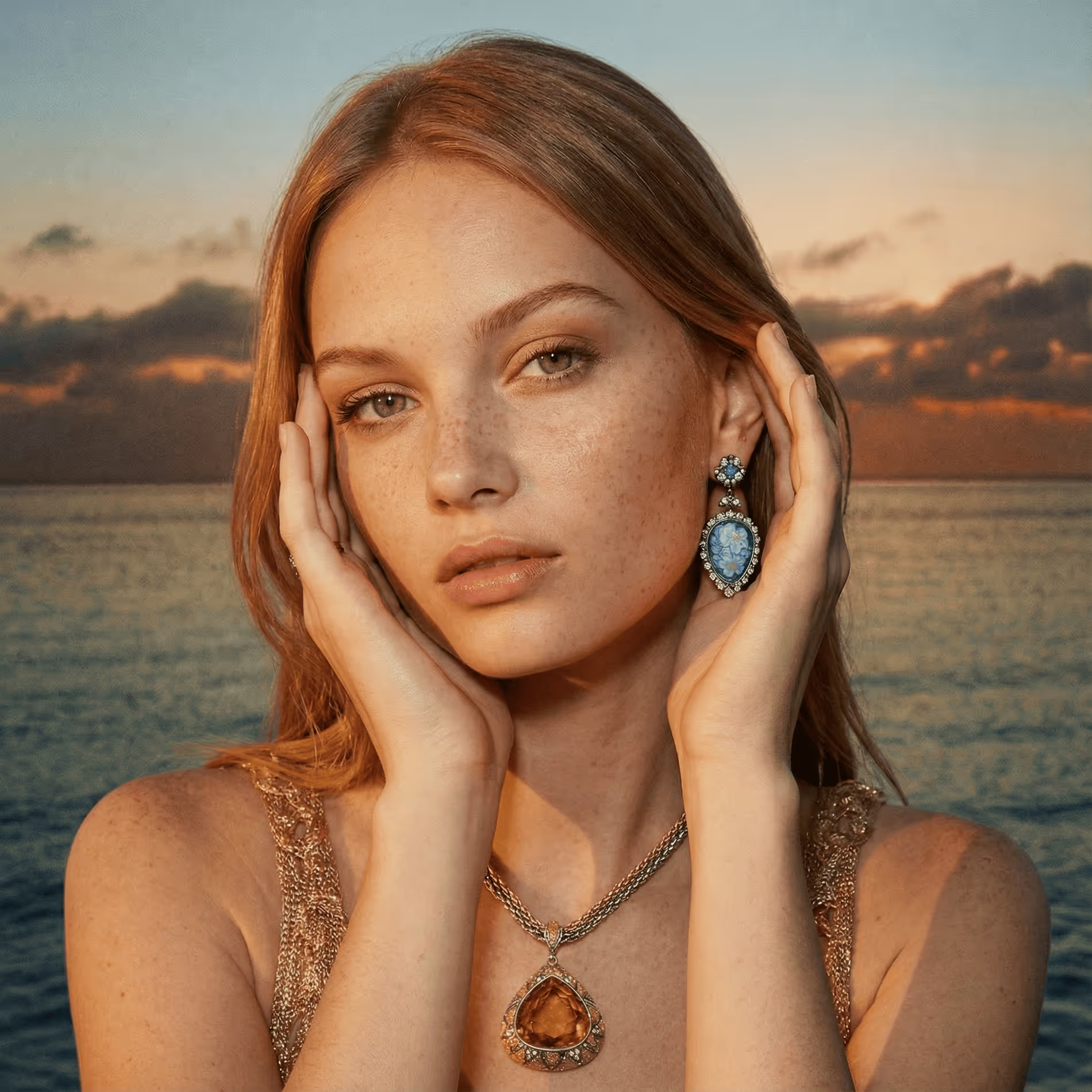
Macro-grade jewellery shots with brand-true light, on-hand and on-neck.
Drop the mannequin while preserving fabric drape and silhouette.
Reference + product + model → on-brand kids imagery you can ship.
Synthesize on-brand model faces and looks from references you control.
On-model lingerie and swimwear frames cast with the right light and pose for every market.
Catalog-grade white-background packshots in seconds.
Generate three additional product angles from one hero.
Compose multi-product, multi-model frames from independent references.

Swap the model face on any frame to match your brand cast without re-shooting.
Re-shoot a product in any reference pose — same model, same light, new look.

Synthesize on-brand model faces and looks from references you control.
Generate three additional product angles from one hero.

Sharpen, denoise and upscale any usable frame into a 4K master.

Swap any backdrop in one click — natural light, studio, lifestyle. Subject stays pixel-perfect.
Tighter pose match and identity preservation, tuned for editorial.

Macro detail shots: fabric weave, stitching, leather grain — all generated from one hero.
Reference + product + model → on-brand kids imagery you can ship.
Drop the mannequin while preserving fabric drape and silhouette.
Reverse-engineer a flat lay from any on-model frame — pristine catalog-ready packshot in seconds.
Generate the side view of any product from a hero frame — packshots, on-model, lifestyle.
Remove the model from any on-model frame and keep the product alone — flat lay or invisible mannequin.
Generate model-free product shots — flat, hanging, propped — without bringing in a cast.
No templates in this category yet. Check back soon.
Watch the swap
This is Background Replacement running at reading speed — your scroll scrubs the input into the output.
Ghost mannequin
Three captures — front, detail, back — assemble into one worn shot. The template stitches volume, drape and light. You just keep scrolling.
Open the template library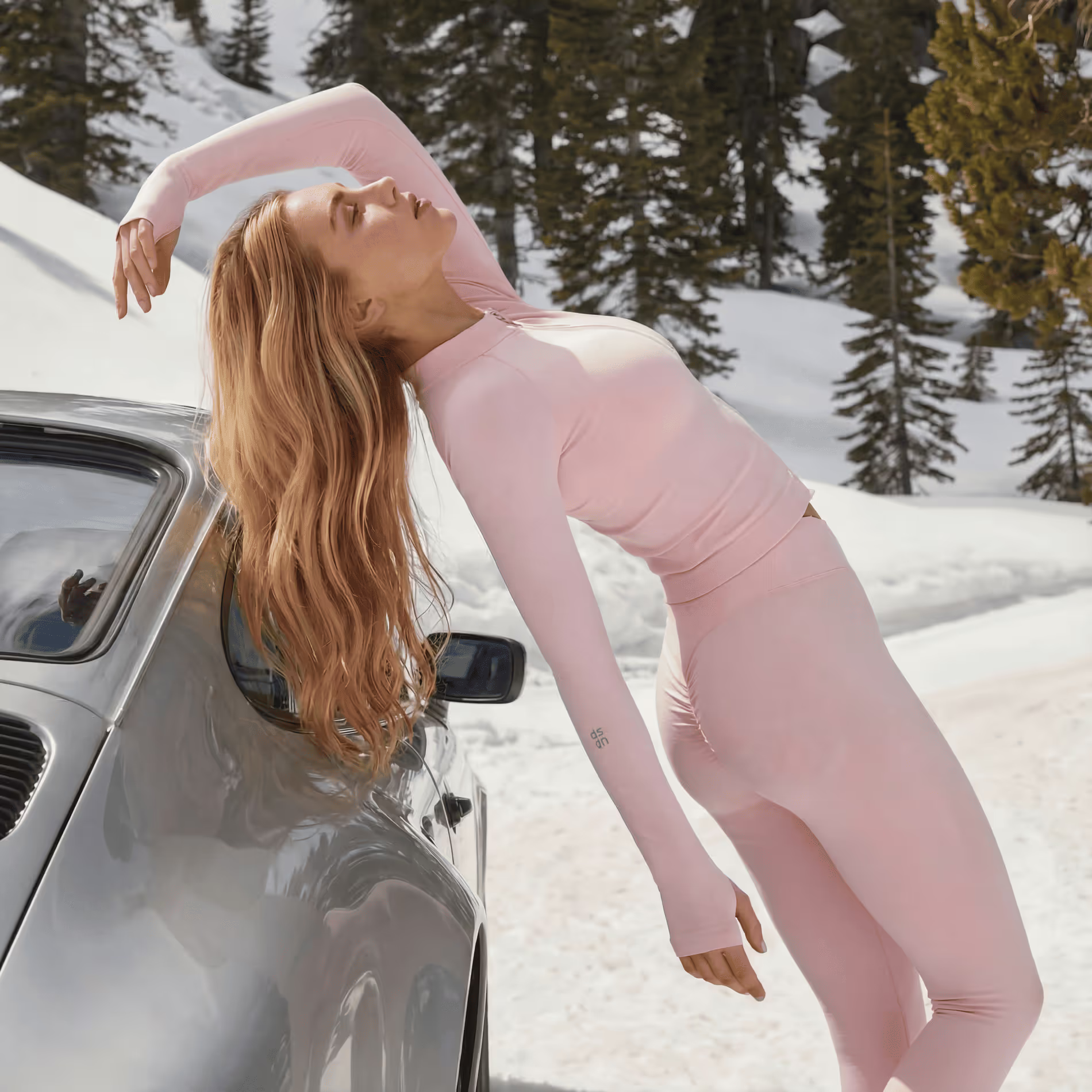
 Front
Front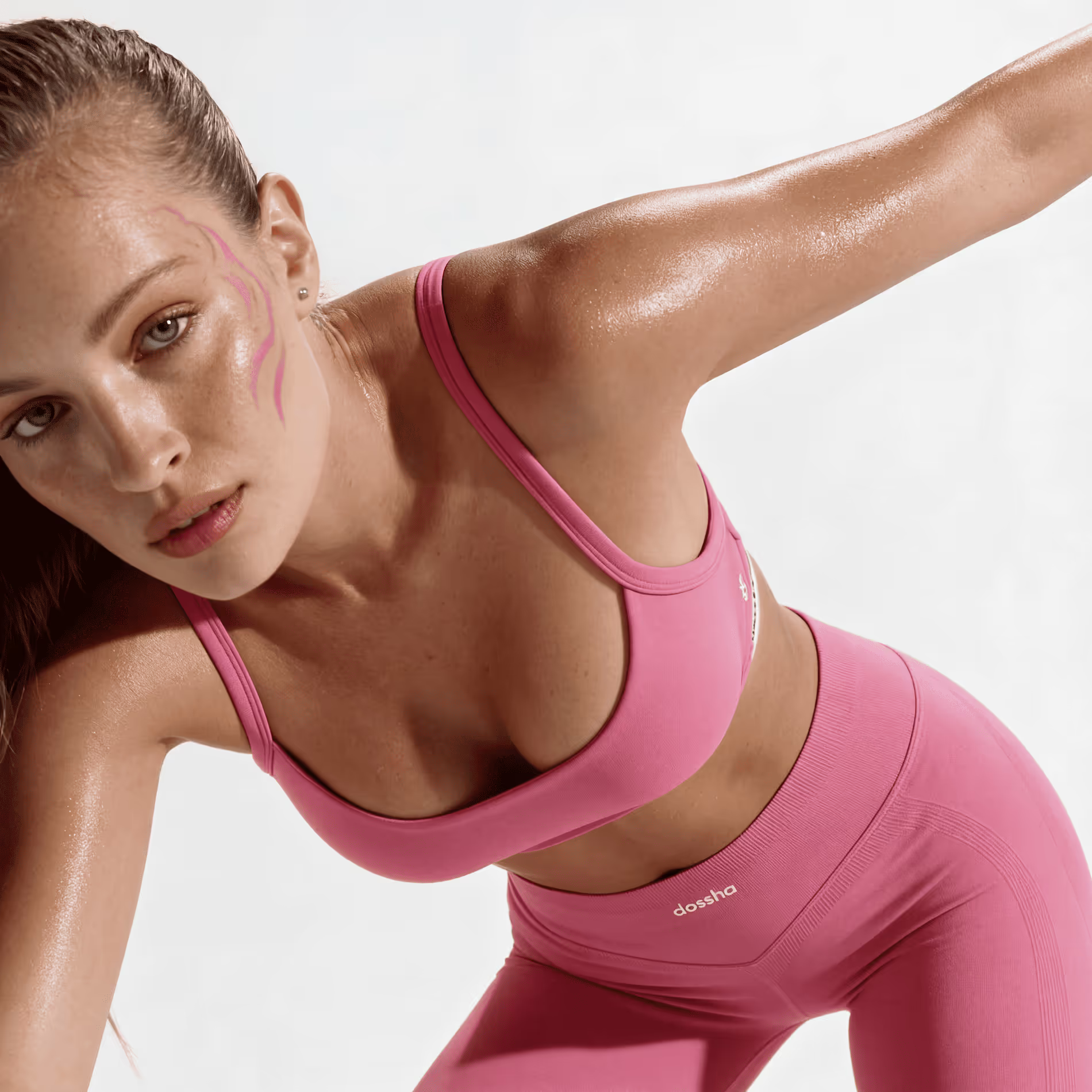 DetailBack
View / Angle Generator
One capture in, four views out. Scroll to orbit the look — or drag the frame and step through it yourself.
Four generated views of the same look, at 000, 090, 180 and 270 degrees.
Studio
Drop a brief, a mood and a brand kit. The studio assembles the looks, the lights and the lookbook on one timeline — you sign off when it’s ready.
Open the studioEditor
Wire your brief through Brand → Generate → Review nodes. The editor runs the pipe, gates the quality and ships the result straight to your storefront.
Open the editorBulk generation
Spin a single concept into variants, languages and channels. Agents work the batch in parallel; you review the picks and publish.
Open agentsTemplates
How the template library behaves with your own photography, your brand and your storefront.
A pre-built workflow that does one job — like turning a flat product shot into an on-model lifestyle frame — in a single click.
Yes — save any successful Studio flow as a Template and reuse it across your team.
Open any template, drop in your product photo — plus a model or reference if it asks for one — and holala renders the finished frame. No prompt writing, no setup.
Most templates finish in under nine minutes per asset. Image-only templates settle in seconds; the longer end is reserved for video renders.
Yes. Templates preserve your real product pixel-for-pixel and only change the world around it — background, model, lighting or angle.
Yes — drop in your products, logos, model references, or brand pack and the Template will respect them in every variant it generates.
Yes. Run a template in bulk and one source photo fans out into a full set — every frame sharing the same light, grade and mood.
Both. Templates with a video icon produce short-form video; image templates produce stills. Localization templates adapt on-image text, crops and styling per market.
Templates follow your saved brand settings — palette, model faces and lighting — so every result stays on-brand across seasons and campaigns.
Yes. Pair any visual template with a Localization template and one input ships in 70+ locales overnight.
Every template exports web- and marketplace-ready ratios, up to 4K masters for print and retail.
No. Templates are one-click workflows — pick a scenario, add your assets, and the studio handles the rest.
Start now