


Academy
Step-by-step walkthroughs, recipes and product deep-dives from @useholala on YouTube.
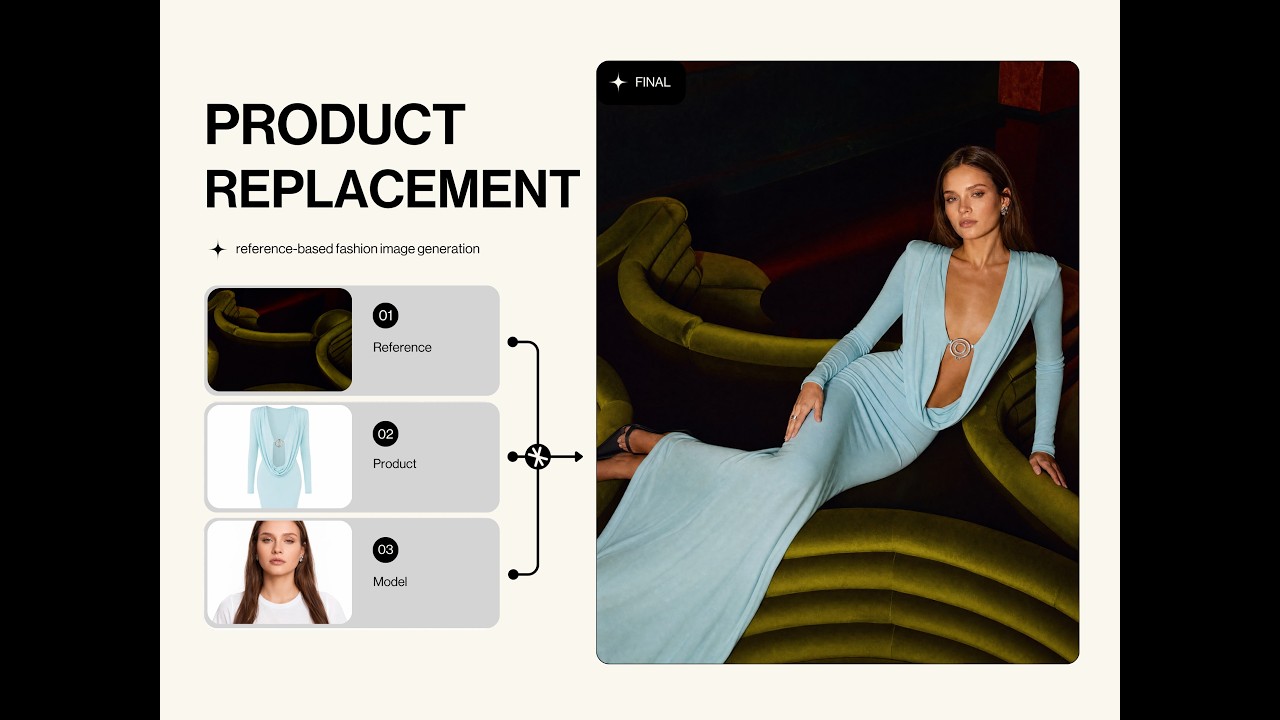
#01 Product Replacement — Create On-Model Images Without a Studio
Put your product on a model without booking a shoot.

#02 Kids Image Generator — Create Kids Collection Images
Generate on-model imagery for your kids collection.
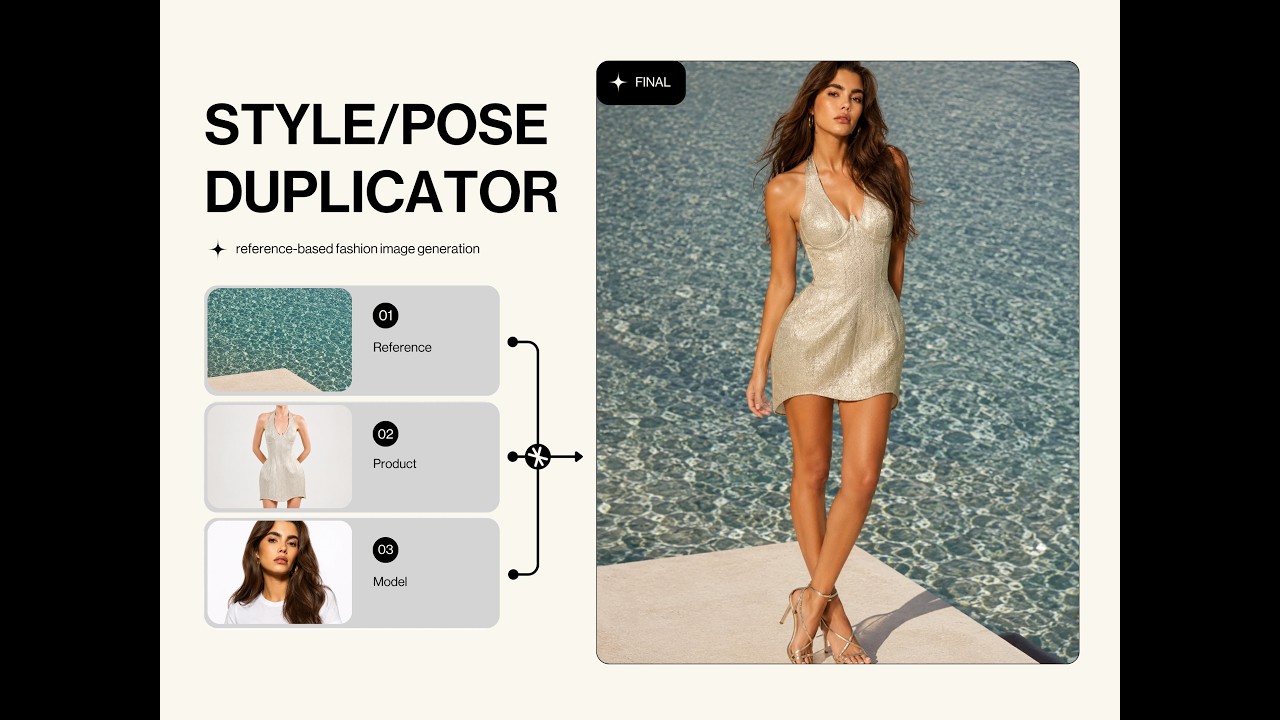
#04 Style Duplicator — Apply a Style You Love to Your Own Product
Recreate a reference look with your own product in it.
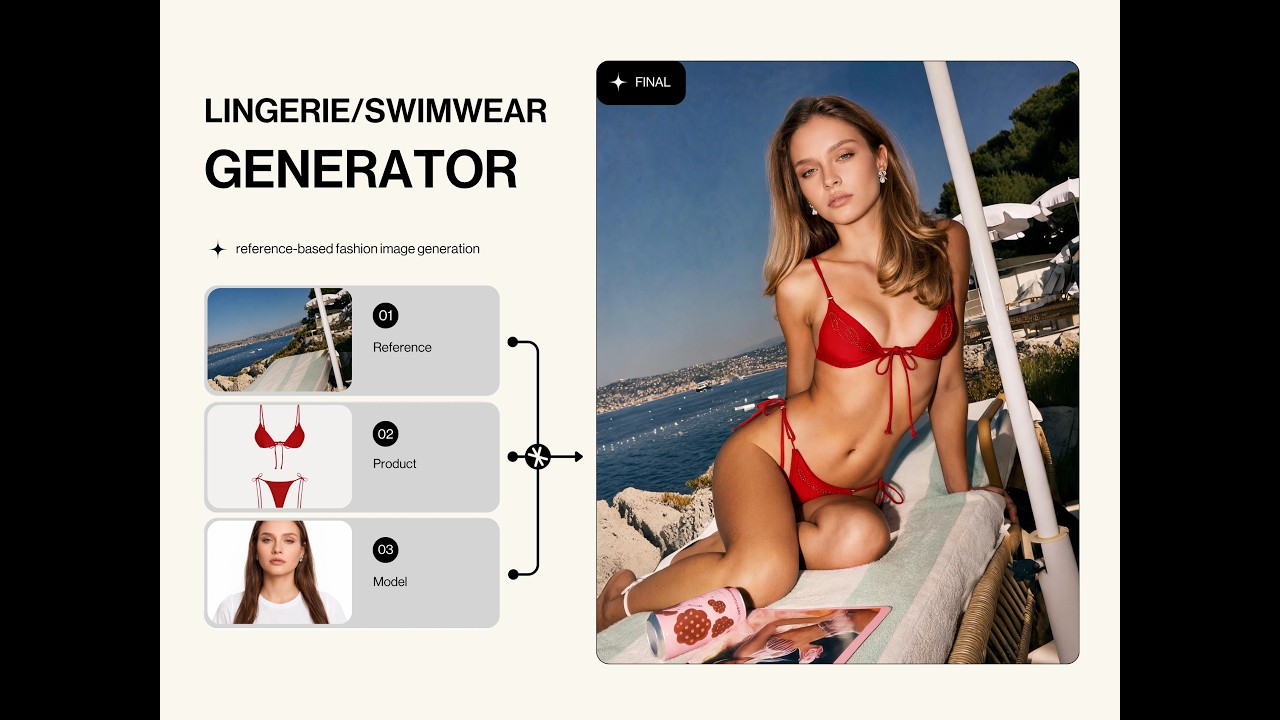
#05 Lingerie & Swimwear Generator — Create Lingerie and Swimwear Images
Brand-safe on-model imagery for lingerie and swimwear.
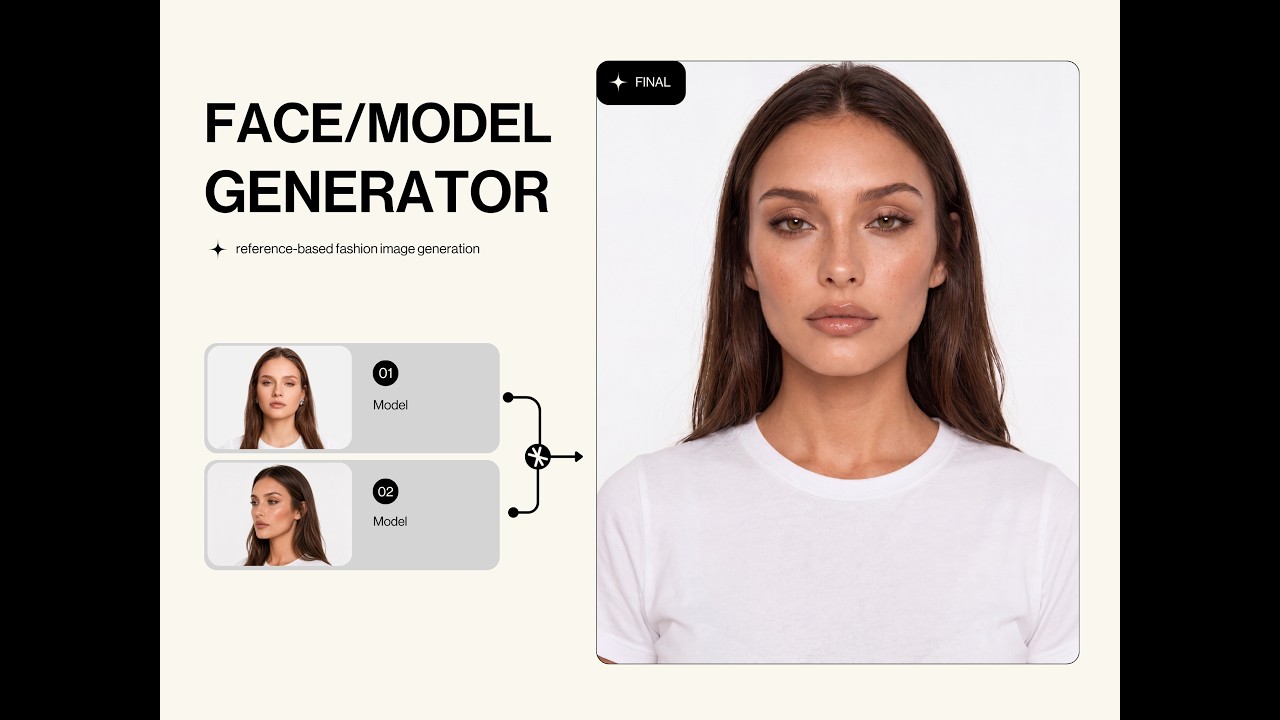
#06 Face Generator — Create an AI Model Face
Generate a consistent AI model face for your brand.

#07 Model Swapper — Change the Model in an Image
Swap the model in an existing shot while keeping the product.

#09 Quality Enhancer — Upscale Image Quality
Sharpen and upscale low-resolution product imagery.

#11 Background Replacement — Replace the Background
Move your product into a new scene in one step.
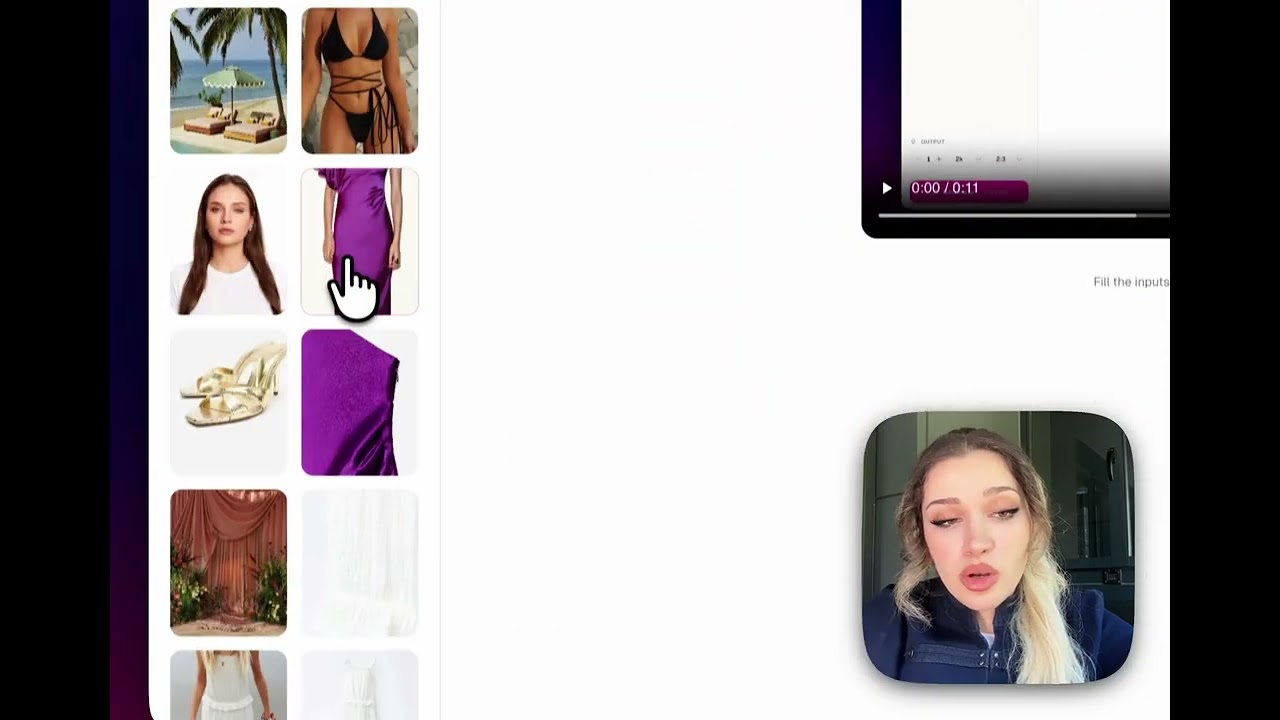
#12 Closeup Texture Generator — Create Fabric Texture Close-ups
Macro fabric-texture shots that sell the material.
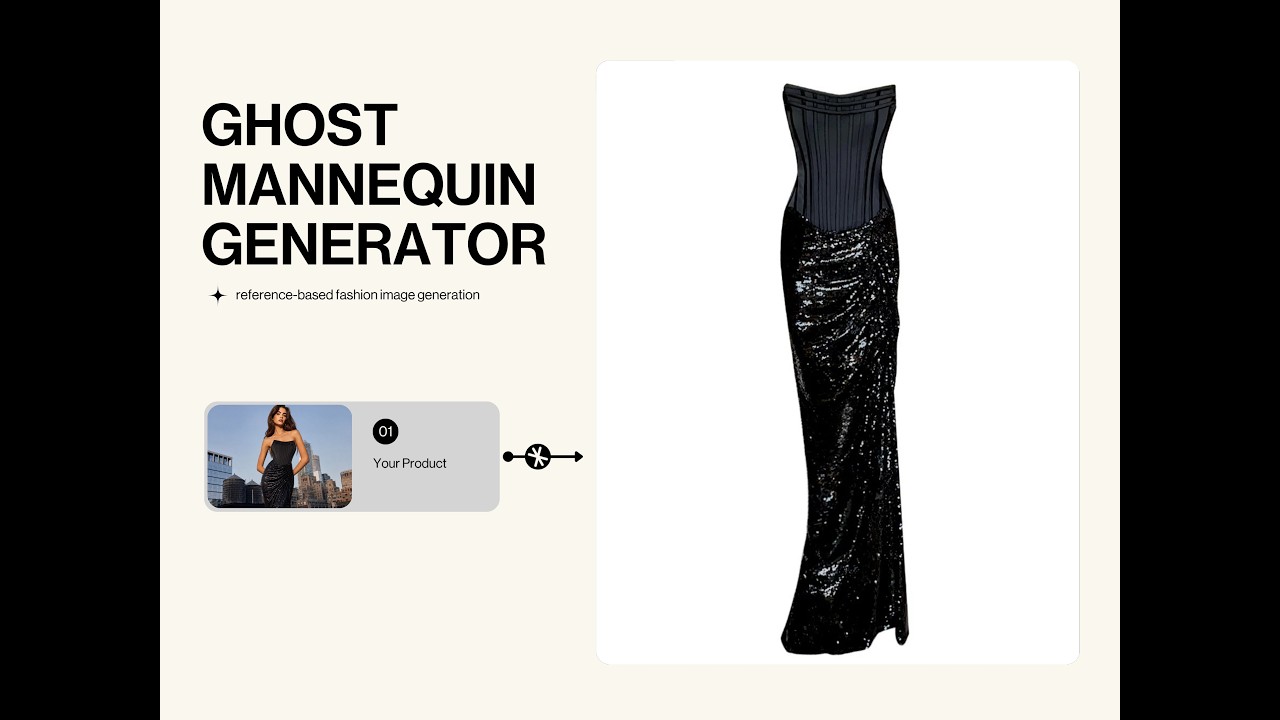
#13 Ghost Mannequin Creator — Create Ghost Mannequin Images
Hollow-form product shots without a mannequin or retouching.
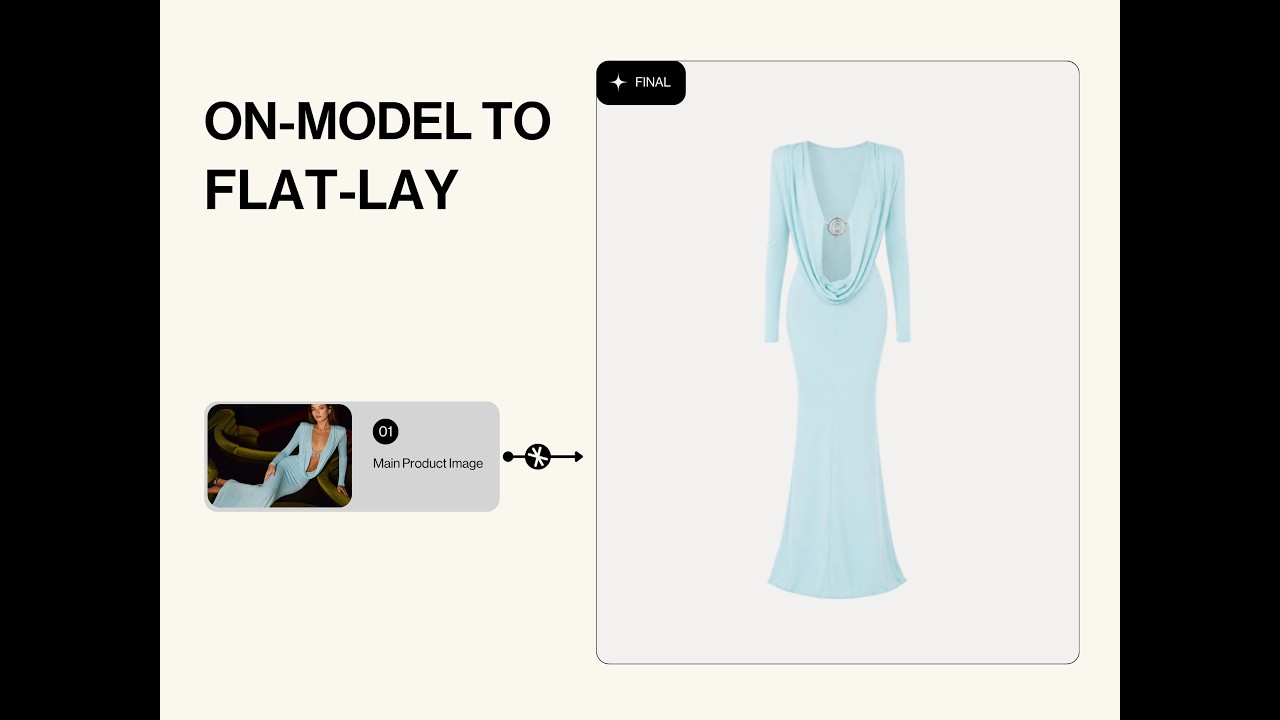
#15 On-Model to Flat-lay — Turn a Model Shot into a Flat-lay
Convert an on-model image into a clean flat-lay shot.

#16 Model Remover — Remove the Model from an Image
Strip the model out and keep a clean product image.

White Background — Turn Your Product Photo's Background White
Marketplace-ready white-background product photos.